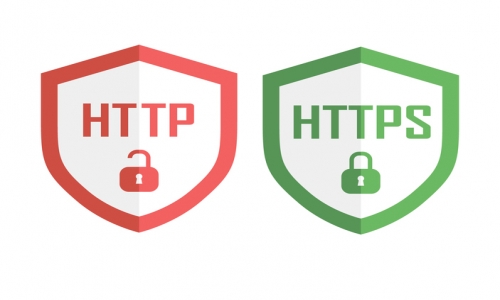
In short
- After the SSL certificate is installed, visitors must be redirected to HTTPS.
- The redirect is done with rules added to the .htaccess file in public_html.
- In recent cPanel versions, the “Force HTTPS Redirect” toggle does the same in one click.
SSL Certificate (http to https redirection process).
- https: //siteaddress.com: 2083 with cPanel user information login.
- Enter the file manager and open the public_html folder.
- In order to see the .htaccess file, select the show dot files option and save it.
- Right-click htaccess file and click edit to open the editor, add the following code by editing it according to your own.
RewriteEngine On
RewriteCond %{SERVER_PORT} 80
RewriteCond %{HTTP_HOST} ^(www\.)?siteadi\.com
RewriteRule ^(.*)$ https://www.siteadi.com/$1 [R,L]
The easier way: Force HTTPS Redirect
In recent cPanel versions you can enable the redirect from the panel without editing .htaccess:
- Log in to cPanel and open the Domains section.
- Turn on the Force HTTPS Redirect toggle on the domain’s row.
- Open the site with
http://and check that it redirects tohttps://automatically.
Post-redirect checklist
- Make sure images, CSS and JS are loaded over HTTPS (mixed content warning).
- Add the HTTPS version to Google Search Console and resubmit your sitemap.
- Using a permanent (301) redirect preserves search engine rankings.
Uzman Tescil Editorial Team
Guides drawn from over 17 years of domain, hosting and web design experience, written to move your business a step ahead online.
Fast and secure hosting
Hosting packages with an easy control panel, corporate e-mail and a free SSL certificate.